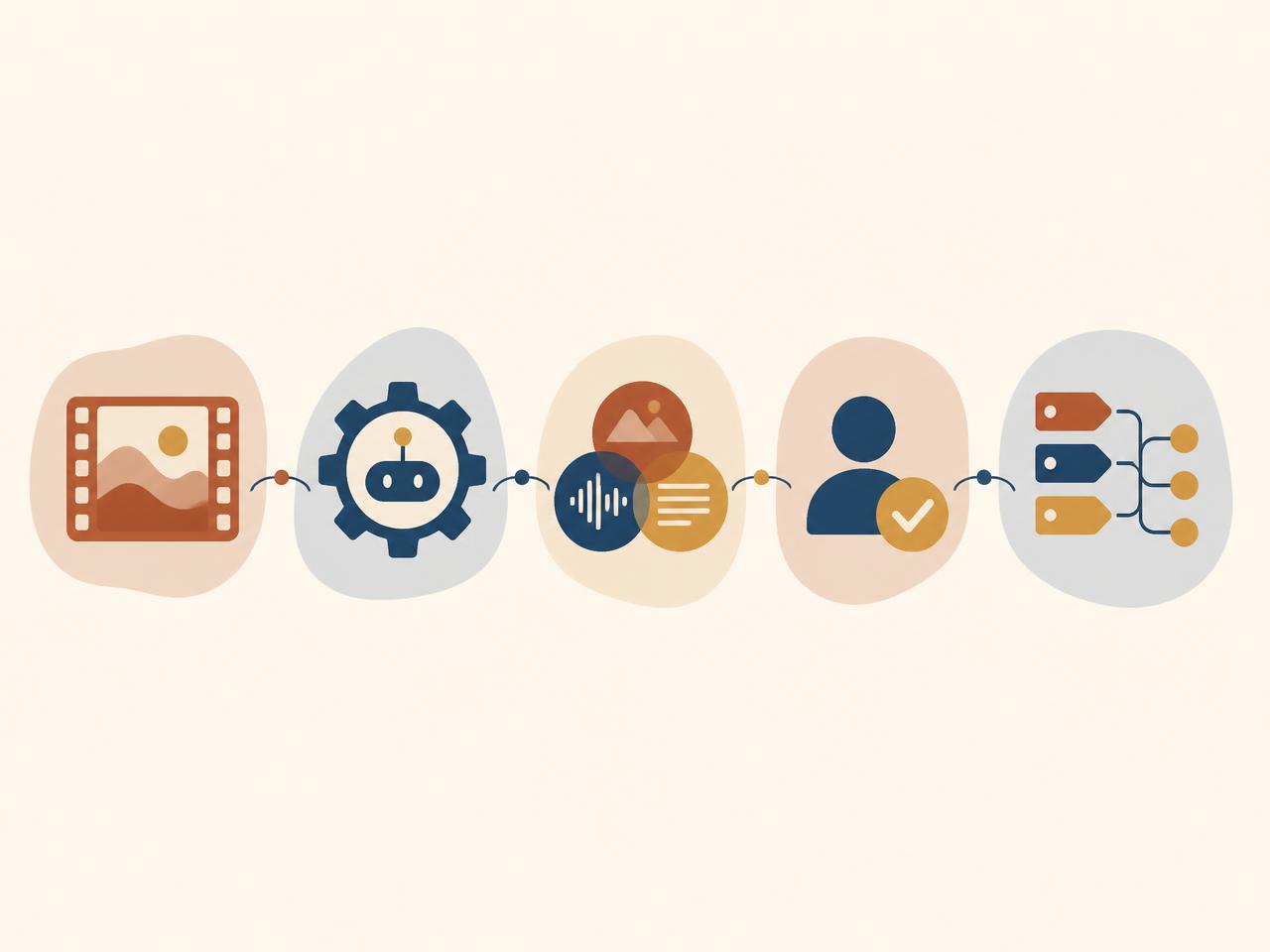
Turn video, audio, images, transcripts, and supporting documents into structured, searchable intelligence. Mimasa AI provides a governed content intelligence platform that identifies scenes, speakers, topics, entities, objects, on-screen text, and other metadata at scale.
Connect the results to review, cataloguing, reporting, and downstream workflows. Keep people in control with confidence thresholds, role-based access, human approvals, and audit trails.
Built for broadcasters, OTT platforms, studios, publishers, sports-media teams, production houses, and enterprise media archives.
The Problem
Turn Unstructured Media Into Operational Intelligence
Media libraries contain far more information than their filenames and manually entered descriptions reveal. Important people, brands, topics, locations, spoken references, objects, scenes, and on-screen text can remain hidden inside hours of content.
Manual viewing and tagging are difficult to scale. Metadata can also vary across teams, suppliers, titles, and systems. This makes content harder to organise, review, reuse, analyse, and activate in operational workflows.
Mimasa AI combines multimodal AI, configurable rules, and human review to perform media content analysis across video, audio, images, transcripts, and documents. It turns extracted information into a consistent content record that teams and approved AI agents can use.
Definition
What Is Video Content Analysis?
Video content analysis uses AI to interpret the visual, audio, speech, and text signals within a video. Instead of treating a programme or clip as one opaque file, the system can create time-based information about what appears, what is said, who is speaking, and how the content changes from scene to scene.
Mimasa extends AI video content analysis across related assets. Unlike isolated AI video analysis, a video can be evaluated together with its transcript, synopsis, script, production notes, image assets, content identifiers, and business metadata. This wider context helps teams create more useful records than a single model or isolated tagging tool can provide.
The result is not merely a list of labels. It is governed intelligence that can support cataloguing, editorial review, content operations, analysis, archive enrichment, and agentic automation. Video understanding AI becomes more valuable when its evidence and outputs can move through a controlled business process.
Capabilities
Understand Every Layer Of A Media Asset
01
Scene And Segment Understanding
Identify scene boundaries, visual changes, recurring sequences, and meaningful segments. Create timestamped descriptions that help teams navigate long-form programmes, clips, interviews, news footage, sports content, and other video libraries.
02
Speech, Speakers, And Transcripts
Convert speech to time-aligned text, distinguish speakers where supported, and extract topics, phrases, and named entities from transcripts. Use the transcript as another governed data source for analysis and workflows.
03
Objects, People, Brands, And Locations
Detect relevant visual elements based on the configured use case. Apply thresholds and review rules when a result is uncertain or when the identification of a person, brand, or location requires human validation.
04
On-Screen Text And Document Context
Extract titles, captions, labels, credits, graphics, and other visible text through OCR. Connect this information with scripts, briefs, cue sheets, schedules, or other documents associated with the asset.
05
Topics, Summaries, And Descriptions
Generate concise summaries and structured descriptions for programmes, episodes, clips, and segments. Use organisation-specific prompts and fields so outputs match the needs of editorial, archive, production, or commercial teams.
06
Automated Content Classification
Map content to approved genres, subjects, collections, taxonomies, and custom attributes. Configure required fields, confidence thresholds, validation rules, and reviewer queues rather than accepting every model output automatically.
Workflow
How The Content Intelligence Platform Works
Connect assets, analyse every modality, generate metadata, validate results, and activate workflows.
01
Connect Media And Context
Ingest files or connect approved storage, media asset management, content management, archive, API, database, and document sources. Preserve source identifiers and relevant relationships between assets.
02
Analyse Every Modality
Apply visual analysis, speech processing, OCR, transcript analysis, language models, and configurable extraction steps. Select the models and pipeline appropriate to the content, deployment, and governance requirements.
03
Structure And Enrich Metadata
Convert raw outputs into defined fields, timestamped events, summaries, entities, topics, and classifications. Normalise values against approved vocabularies and business rules.
04
Validate With Rules And People
Check required fields, confidence levels, duplicates, and policy conditions. Route exceptions or sensitive findings to the appropriate reviewer and retain the decision history.
05
Activate Approved Intelligence
Write approved metadata to connected systems, make it available to authorised search and analytics experiences, generate reports, or trigger a downstream agentic workflow.
Content Intelligence Tools Built For Real Media Workflows
Mimasa AI combines content analysis with workflow orchestration. Teams can configure reusable pipelines instead of transferring outputs manually between isolated AI tools.
Multimodal Processing
Analyse video, audio, images, transcripts, subtitles, scripts, spreadsheets, and documents within one coordinated workflow.
Define the metadata your organisation needs, including required fields, labels, formats, vocabularies, and relationships. Avoid forcing every content type into one generic template.
Natural-Language Exploration
Ask approved questions about processed assets and metadata using natural language. Follow the answer back to the supporting content record, timestamp, or source where available.
Reusable Agents And Workflows
Build agents that monitor incoming assets, run the relevant analysis steps, validate outputs, create review tasks, notify teams, and update connected systems within configured permissions.
Send low-confidence, sensitive, or policy-defined results to reviewers. Capture edits, approval status, comments, identity, and timestamps for accountability.
Reports And Data Exports
Generate content inventories, exception reports, analysis summaries, dashboards, spreadsheets, or presentations from approved information.
Process programmes, episodes, promos, and clips to propose titles, descriptions, topics, entities, scenes, and structured attributes. Validate the results before synchronising them with downstream catalogues or content systems.
Accelerate Archive Cataloguing
Create baseline metadata for legacy footage with incomplete or inconsistent descriptions. Prioritise assets and fields for review instead of asking teams to watch every item from beginning to end.
Prepare Content For Search And Discovery
Create the timestamped metadata and embeddings required to make media easier to retrieve later. This page handles the understanding and indexing layer; the dedicated discovery workflow handles natural-language retrieval.
Extract references to people, organisations, places, events, and topics. Help authorised teams review relevant segments and supporting transcripts without relying only on memory or file naming.
Structure Sports And Event Footage
Identify configured segments, participants, logos, speech, and visual cues in recorded footage. Apply sport- or event-specific taxonomies and review rules rather than claiming universal automatic highlight accuracy.
Create Governed Content Records
Combine analysis results, source data, reviewer decisions, and version history in a traceable record. Make approved fields available to operations, analytics, and AI agents according to access policy.
Agentic Automation
From AI Content Analysis To Automated Action
A standalone video analysis AI tool may return tags or a transcript. Mimasa AI can use those results as inputs to a governed business workflow.
For example, an incoming programme can be analysed for scenes, speech, entities, and on-screen text. The platform can map the results to a defined taxonomy, flag missing or low-confidence fields, assign a review task, record the approved corrections, update a connected catalogue, and include the asset in an operational report.
Each action follows configured permissions. Editorial, legal, compliance, or commercial decisions can remain behind explicit approval checkpoints.
Example Questions Teams Can Ask
“Which assets in this collection are missing an approved synopsis or genre?”
“Where is a specified person, organisation, product, or location mentioned?”
“Which clips contain both a spoken reference and matching on-screen text?”
“Which metadata proposals are below the required confidence threshold?”
“What content arrived this week, and which items are still awaiting review?”
“Which assets could not be mapped to the approved taxonomy?”
Integration
Designed To Work With Your Media Stack
Mimasa AI is an intelligence and automation layer. It does not need to replace the systems that already store, manage, publish, or monetise content.
Connect approved sources through available APIs, databases, file stores, object storage, document repositories, or secure data pipelines. Depending on the target system and permissions, Mimasa can read assets and metadata, prepare structured outputs, initiate reviews, or write approved results back.
Media asset management and digital asset management systems
Content management and OTT catalogue platforms
Cloud or on-premise object storage
Archive and document repositories
Data warehouses, databases, and analytics environments
Workflow, task, notification, and approval systems
Governance
Governance For Valuable And Sensitive Content
Media assets can include unreleased productions, licensed content, personal data, commercial agreements, and proprietary archives. Content intelligence therefore requires more than model accuracy.
Mimasa AI supports enterprise controls around who can access content, which models and workflows can process it, what an agent may do, and when a person must approve the result.
Role-based access to workspaces, assets, agents, and actionsHuman approval checkpoints for defined decisionsAudit trails for processing, outputs, reviews, and actionsConfigurable confidence thresholds and exception queuesData and content lineage across connected workflowsCloud, private-cloud, and on-premise deployment optionsModel choice aligned with security and operational requirements
Specific retention, residency, privacy, and security controls are confirmed during solution design. Read more about Data Governance.
Let AI prepare structured metadata and route the work that needs judgement to people.
Improve Metadata Consistency
Apply shared schemas, taxonomies, validation rules, and approval processes across teams and content sources.
Make More Of The Archive Usable
Reveal information within assets that filenames and shallow descriptions cannot capture.
Shorten Operational Hand-Offs
Connect analysis, validation, review, reporting, and system updates in one coordinated workflow.
Preserve Human Control
Use confidence thresholds, reviewer queues, permissions, and audit trails for sensitive or consequential decisions.
Build Once And Reuse
Configure repeatable pipelines and agents for recurring content types, collections, and operational requirements.
Why Mimasa AI
Beyond Isolated Media Intelligence Software
More Than Video Analysis Software
Mimasa combines multimodal content understanding with data intelligence, workflow automation, and human approvals. Analysis can lead to an accountable next step instead of ending as an isolated output.
Flexible Across Models And Deployment Options
Select an architecture based on the use case, media sensitivity, infrastructure, and governance needs. Deploy in the cloud, private cloud, or on-premise where supported.
Configured Around Your Taxonomy And Process
Define the fields, vocabulary, validation, routing, and approvals that fit the organisation. Avoid rebuilding operations around a rigid off-the-shelf workflow.
Connected To Wider Media Intelligence
Use approved content metadata alongside audience, campaign, operational, rights, and revenue data in other Mimasa workflows.
Frequently Asked Questions
Common questions about video content analysis, automated content classification, and governed media workflows.
Video content analysis uses AI to interpret visual, audio, speech, and on-screen text signals in a video. It can create timestamped scenes, transcripts, entities, objects, topics, summaries, and other structured metadata for authorised workflows.
On this site, video content analysis refers to understanding produced or archived media such as programmes, interviews, clips, and event footage. Video analytics refers primarily to live-camera and operational use cases such as safety, surveillance, activity, and event detection.
Depending on the selected models and configuration, Mimasa can process scenes, speech, speakers, transcripts, objects, people, brands, locations, on-screen text, topics, entities, summaries, and custom classifications. The exact fields and expected accuracy should be validated against representative customer content.
Automated content classification uses AI and configured rules to propose categories, genres, topics, collections, or other labels. Mimasa can validate required fields and route uncertain or sensitive classifications to a human reviewer before approval.
No. Mimasa is a content intelligence and agentic automation layer that can work with existing media asset management, content management, storage, archive, analytics, and workflow systems.
Yes. Mimasa can coordinate multimodal analysis across video, audio, images, transcripts, and supporting documents so that the content record reflects more than a single data source.
Yes. Workflows can apply confidence thresholds, validation rules, and approval steps. Reviewers can inspect, edit, approve, or reject proposed metadata before an authorised downstream action occurs.
Mimasa supports cloud, private-cloud, and on-premise deployment patterns. The appropriate architecture depends on data sensitivity, infrastructure, model requirements, integrations, scale, and organisational security policies.
Person-identification capabilities depend on the selected model, lawful basis, consent, policy, and deployment requirements. Mimasa should not enable biometric identification by default. Any such use requires customer-led legal, privacy, security, and governance review.
Turn Your Media Library Into Governed Intelligence
Start with one representative content set and one high-value workflow. Define the metadata, taxonomy, review rules, integrations, and success measures before scaling across the library.