
Measure how long a workstation remains unattended
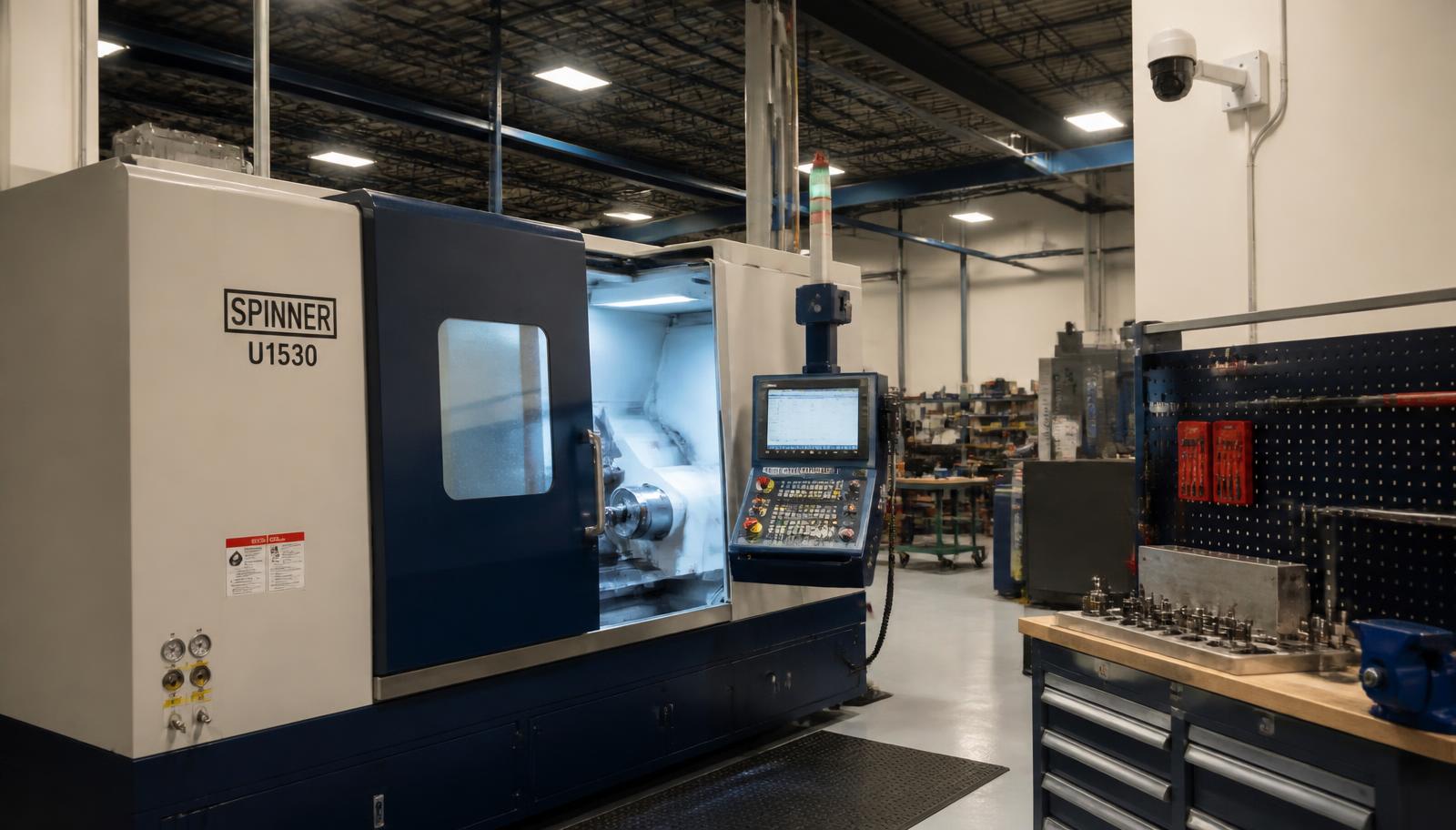
Attended
Approved break
Unattended
Supervisor alert
Workforce Monitoring
Manufacturing Workforce Monitoring For Workstation Adherence
Know when a critical workstation or active machine is left unattended.
Mimasa AI uses defined camera events, machine status, shift schedules, and workflow rules to support shop-floor workforce visibility. It helps supervisors review clear attendance exceptions without watching hours of video.
Monitor defined operational events—not personal traits
Use role-based access and limited data retention
Keep supervisors involved in every important decision
Deploy at the edge, on-premise, in a private cloud, or in the cloud
Capabilities01 02 03 04 05 06
Use Manufacturing Workforce Monitoring To
Count repeated absences from an active machine
Compare station coverage with approved shift and break rules
Alert a supervisor when an absence crosses a set limit
Save the event and response for later review
Create shift-level workstation adherence summaries
Workstation Gaps Are Hard To See Across A Busy Plant
Supervisors cannot watch every machine and workstation at the same time.
A station may be unattended for a valid reason. The operator may be on an approved break, helping with a quality issue, collecting material, or waiting for maintenance.
The problem is not every absence. The problem is an unattended station that creates a clear production, safety, quality, or response-time risk.
Mimasa AI can identify a defined event and send it to the right person with the relevant time, station, and machine context.
Common Challenges
An active machine is left without the required attentionA critical inspection station has no operatorBreak coverage is not availableRepeated short absences are difficult to measureSupervisors learn about a gap after output is affectedVideo exists, but reviewing it takes too longShift reports depend on memory and manual notesMachine events and operator presence are not connected
Definition
What Is Manufacturing Workforce Monitoring?
Manufacturing workforce monitoring uses operational data to understand whether required work areas have the expected coverage.
Workforce adherence monitoring should focus on a defined station rule, not on broad judgments about an individual employee.
The Data May Come From
Fixed camerasMachine or PLC statusShift schedulesApproved break schedulesOperator check-in or NFC eventsProduction-cycle informationSupervisor confirmations
The System Applies A Clear Rule
If the machine is active and the defined operator zone remains empty for more than three minutes, send a review alert to the shift supervisor.
This is different from judging whether a person is productive, engaged, or behaving correctly. The system should report the observable event and its context.
Workflow
How Worker-Machine Attendance Monitoring Works
01
Define The Operational Need
Start with a specific question. Avoid broad goals such as measuring employee productivity, because they are hard to define and can lead to unfair conclusions.
Is the machine attended while it is running?How long was the workstation unattended?Did the absence happen during an approved break?Was backup coverage available?Which stations crossed the approved absence limit?
02
Define The Workstation Zone
Mark the area that represents valid station coverage. The zone should be large enough for normal work movement, and should not treat every step away from the control panel as an absence.
03
Connect Machine And Shift Context
Presence alone is not enough. The workflow can consider the wider operating state before it treats an empty zone as a problem.
Whether the machine is runningWhether a production cycle is activeWhether the line is stoppedWhether maintenance is in progressWhether a break is scheduledWhether the station requires continuous coverageWhether another authorized worker is present
04
Detect The Defined Event
The system checks the configured zone and rule, then records what was observed.
Start of the unattended periodEnd of the unattended periodTotal durationMachine stateShift and stationAlert threshold crossedSupporting frame or clip, if permitted
05
Send The Event For Review
An alert can go to the shift supervisor or another authorized person. The reviewer can confirm the context, dismiss the event, or start a defined response.
06
Record The Response
Save the event, review, reason, and action according to the approved retention policy. This creates a traceable operational record without turning every event into an employee-performance judgment.
Use Cases
Workforce And Workstation Adherence Use Cases
Unattended Machine Monitoring
Detect when a workstation remains empty while the connected machine is active. This form of unattended workstation detection should ignore planned stops, approved breaks, and machines designed to run without continuous attendance.
Absence Duration Monitoring
Measure how long a defined workstation has no required coverage. Operator presence monitoring should use a zone that allows the normal movement required to perform the job.
Repeated Absence Events
Count how often a station crosses the approved unattended threshold during a shift. Use the result to review workflow or coverage issues—not to infer intent.
Break And Relief Coverage
Compare an absence with approved break schedules, and check whether another worker provides the required coverage.
Critical Station Coverage
Monitor areas where continuous attention is required for production, inspection, loading, testing, or control.
Shift-Start Station Readiness
Check whether defined workstations have coverage at the approved production start time, allowing for planned meetings, maintenance, safety briefings, and line holds.
Inspection-Station Attendance
Detect when a required manual inspection point is unattended while products continue to arrive.
Response-To-Machine-Alert Monitoring
Measure whether an authorized person reaches the defined station after a machine alert, supporting response-time review without assuming why a person was delayed.
Material-Loading Station Coverage
Monitor whether a station has coverage when a planned loading or replenishment activity is due.
Simple Visible Process Adherence
Check a small number of clearly visible steps, such as placing a component in a fixture or scanning an item before the next stage. Do not use vision alone for actions the camera cannot confirm.
Visible Protective-Equipment Checks
Check for configured and clearly visible items in a defined area, such as a helmet or safety vest. This supports—but does not replace—safety supervision, training, and required control systems.
Shift-Level Station Summary
Show attended time, approved breaks, reviewed exceptions, and unresolved events by workstation or production area.
Workstation Adherence Based On Clear Rules
Workstation adherence should be tied to an approved operating requirement. A useful rule answers five questions.
- 1Which station is being monitored?
- 2When is presence required?
- 3What area counts as valid coverage?
- 4How long can the station remain unattended?
- 5Who reviews and responds to the event?
Example Rule
- Station
- Pressure-test control panel
- Condition
- Test cycle is active
- Required coverage
- At least one authorized operator in the defined zone
- Threshold
- Zone empty for more than two minutes
- Action
- Alert the shift supervisor for review
The rule should be tested with real plant movement before it is used in daily operations.
Separate Presence, Attendance, And Performance
These terms should not be treated as the same thing.
| Measure | What it shows | What it does not prove |
|---|---|---|
| Presence | A person is visible in the defined zone | Identity, skill, attention, or productivity |
| Station attendance | Required coverage appears to be available | Quality of work or reason for an absence |
| Machine context | The machine is running, stopped, or in a defined state | Whether an employee caused the condition |
| Process event | A visible step appears to occur | Hidden actions, intent, or full compliance |
| Supervisor review | A person assessed the event context | A permanent performance judgment by itself |
Mimasa AI should report observable events. Managers should review context before taking action.
Connect Worker Presence With Machine Status
Camera-only monitoring can create false alerts.
An empty workstation may be normal when:
The machine is stoppedThe process runs unattended by designMaintenance is underwayThe line is waiting for materialThe shift has not startedA planned break is activeAnother worker is covering the station
Worker-machine attendance monitoring becomes more useful when it includes machine and schedule data.
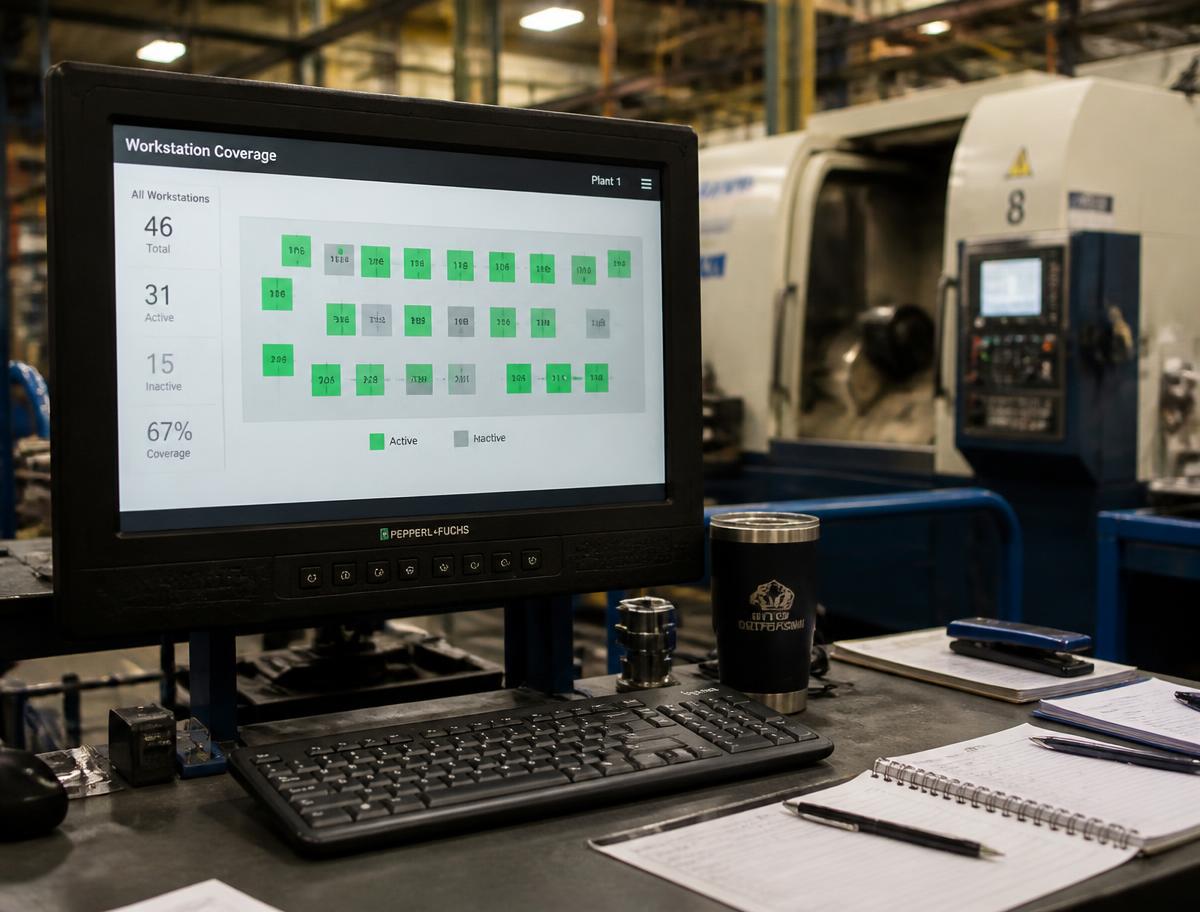
Example Connected Workflow
- Step 1A machine enters an active production state.
- Step 2The station requires operator coverage for this cycle.
- Step 3The camera detects that the defined zone is empty.
- Step 4The workflow checks shift and break status.
- Step 5The unattended period crosses the approved limit.
- Step 6A supervisor receives the event and machine context.
- Step 7The supervisor confirms the reason and response.
- Step 8The result is added to the shift record.
This reduces unnecessary alerts and gives the reviewer better context.
Human Review
Human Review For Every Important Workforce Decision
A detected absence is not a complete explanation.
The system may not know that the operator:
Was responding to another machineWas asked to support quality inspectionWas collecting a tool or componentHad an approved breakWas following a supervisor's instructionWas outside the camera view but still performing required work
For this reason, Mimasa AI should use three simple event states:
Within rule
Required coverage is visible or no attendance rule applies
Suggested action: No alert
Review required
The unattended threshold is crossed
Suggested action: Send the event and context to a supervisor
Resolved
An authorized person records the reason and response
Suggested action: Close or start a defined follow-up
Do not apply disciplinary action based only on an automated event.
Privacy
Privacy-Aware Manufacturing Workforce Monitoring
Workforce monitoring can affect employee privacy and trust. It should be designed with clear limits from the start.
Use The Least Data Needed
Monitor the workstation zone and event required for the operational purpose. Avoid capturing unrelated areas when they are not needed.
Be Clear About The Purpose
Tell employees what is being monitored, why it is needed, how alerts work, and who can see the information.
Limit Retention
Keep images, clips, and event records only for the approved period. Where possible, store event data instead of continuous video.
Limit Access
Use role-based access for supervisors, plant leaders, safety teams, HR, and administrators. Not every user should see raw footage or worker-linked records.
Keep Humans In Control
Require supervisor review before an event is used for a workforce decision.
Follow Applicable Rules
The final solution should follow local law, employment terms, company policy, consultation requirements, and worker-notice rules.
Operational Insights Without Employee Scoring
The solution can help teams review operational patterns such as:
Total unattended time by stationNumber of reviewed station eventsCoverage gaps by shiftStations with frequent relief issuesMachine alerts without timely station responseEvents linked to planned breaksEvents dismissed after supervisor reviewAreas with unresolved coverage needs
What Repeated Absence May Point To
Poor workstation layoutMaterial stored too far awayToo few relief operatorsFrequent quality support requestsA machine that needs repeated manual interventionUnclear work allocationAn unrealistic attendance rule
Use the data to improve the process before assuming that an individual worker is the problem. Manufacturing workstation monitoring is most useful when it reveals a process or coverage issue that the plant can resolve.
From Workstation Event To Operational Action
Mimasa AI can connect a defined event with the next approved step.
- 01A critical workstation is unattended during an active cycle.
- 02The event crosses the approved time limit.
- 03Shift, break, and machine status are added.
- 04The supervisor receives an alert.
- 05The supervisor records the reason.
- 06Coverage is restored or the machine is placed in the required state.
- 07The response is added to the event record.
- 08Repeated station-level patterns appear in a shift summary.
This creates a closed loop between detection, review, and response.
Benefits
Benefits Of Workstation Adherence Monitoring
Find Coverage Gaps Earlier
Alert supervisors while a critical station is still unattended.
Reduce Manual Video Review
Direct authorized users to relevant events instead of hours of footage.
Add Machine Context
Avoid treating every empty workstation as a problem.
Improve Shift Visibility
Create consistent summaries of defined station events and responses.
Support Faster Response
Send the station, time, duration, and machine state with the alert.
Improve Process Design
Use repeated station-level patterns to review layout, relief coverage, and work allocation.
Keep Decisions Traceable
Record the event, review, reason, and approved response.
Protect Human Judgment
Use AI to surface an event while supervisors assess its real context.
Important: results depend on camera view, lighting, zone design, machine data, shift data, event rules, and human review.
Edge, On-Premise, And Cloud Deployment
The right architecture depends on plant connectivity, response time, security, and privacy policy.
Edge Processing
Process the camera stream close to the workstation. Send only the event or selected evidence to the central platform.
On-Premise Deployment
Keep video, event processing, and workforce records inside the plant or company network.
Private-Cloud Deployment
Use controlled cloud infrastructure for approved cross-plant access and analysis.
Managed Cloud Deployment
Use centralized services when company policy and connectivity allow it.
A hybrid setup may process video locally and send only event metadata to a governed central workspace, using data extraction and connectivity and data governance and collaboration.
Built For Plant Teams
Built For Plant And Operations Teams
Shift Supervisors
Receive reviewed station alerts with machine and schedule context.
Plant Managers
See coverage exceptions and response patterns across lines and shifts.
Production Teams
Connect workstation attendance with active production cycles and output events.
Safety Teams
Review clearly defined coverage or visible protective-equipment events where appropriate.
Process Engineers
Use station-level patterns to improve layout, standard work, and relief processes.
HR And Employee-Relations Teams
Help define fair use, employee notice, access, retention, and review rules.
Manufacturing IT Teams
Manage cameras, edge systems, integrations, permissions, and deployment.
Shift summaries and coverage patterns can be published through visualisation and dashboards or shared as written reviews with insights, analysis and reporting.
Why Mimasa AI
Why Choose Mimasa AI?
Connect People, Machine, And Shift Context
Use more than a camera event when deciding whether a station needs attention.
Monitor Clear Operational Rules
Define the station, time, machine state, threshold, and reviewer.
Keep People In Control
Send exceptions to supervisors instead of making automatic workforce judgments.
Limit Unnecessary Data Use
Support local processing, event-based records, retention rules, and controlled access.
Move From Event To Response
Create alerts, tasks, reviews, and approved follow-up workflows.
Start With One Critical Station
Test the rule, camera view, context, and review process before wider use.
Detection, review, and follow-up run as connected steps using agentic workflow automation and AI agents, with intelligent data snapshots keeping a record of each shift.
Start With A Focused Workstation Use Case
A strong first use case has:
A defined workstation or machineA clear reason why coverage is requiredAn agreed absence thresholdUseful machine or shift contextA named reviewerA simple response after the alertEmployee notice and approved privacy rules
Good Starting Points
One critical machine that requires attendanceOne inspection station with regular coverage gapsOne loading point with a clear service windowOne shift-start readiness checkOne machine-alert response workflow
A First Project Should Answer
- 1Can the system measure the event clearly?
- 2Does machine and schedule context reduce false alerts?
- 3Can supervisors review the event fairly?
- 4Does the alert support a useful operational response?